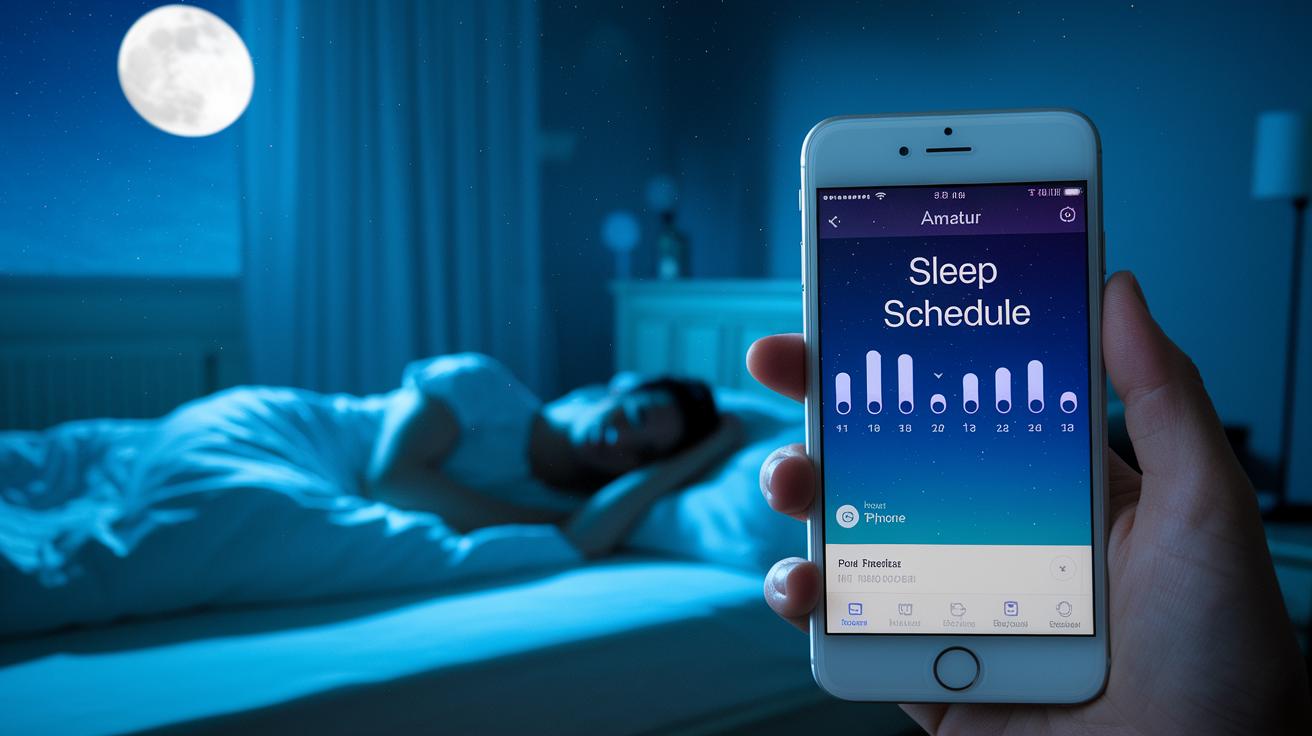
Ever wake up feeling more tired than when you went to bed? Sleep apps work like a helpful friend, nudging you to stick to a regular bedtime routine. They keep track of your sleep cycles and wake you when you’re in a lighter stage, so you start the day feeling refreshed. With easy logs and custom reminders, they give clear feedback that can help you sleep better. Try a few small tweaks tonight, and see how much difference they make in your morning energy.
Explore Top Sleep Schedule Apps for Better Bedtime Routines
Sleep schedule apps are like friendly guides that help you set up a steady bedtime routine and offer tips just for you. They keep track of different sleep stages, like light, deep, and REM (the phase when you dream), in cycles of about 90 minutes. For example, one app might notice when you're in light sleep and then gently wake you at the best time, so you feel refreshed. This smart tool not only improves your bedtime habits but also gives you clear feedback on your sleep quality.
Many of these apps automatically record details like when you go to bed, your exercise, stress, or even how much caffeine you’ve had. Imagine an app that nudges you to dim the lights or plays soothing sounds to help you wind down. With options like guided meditations and nature sounds, your pre-sleep routine becomes smoother. Plus, you’ll find expert tips that suggest small, practical tweaks to boost your sleep over time.
The data from these apps is shown in easy charts, so you can see patterns in your sleep cycles. You might discover that sticking to a regular bedtime, along with custom reminders, leads to more peaceful nights. In the end, these apps give you personal insights that help balance your daily routine and improve overall sleep quality. Even on busy days, small adjustments can lead to deep, uninterrupted rest.
Key Features of the Best Sleep Planner Apps
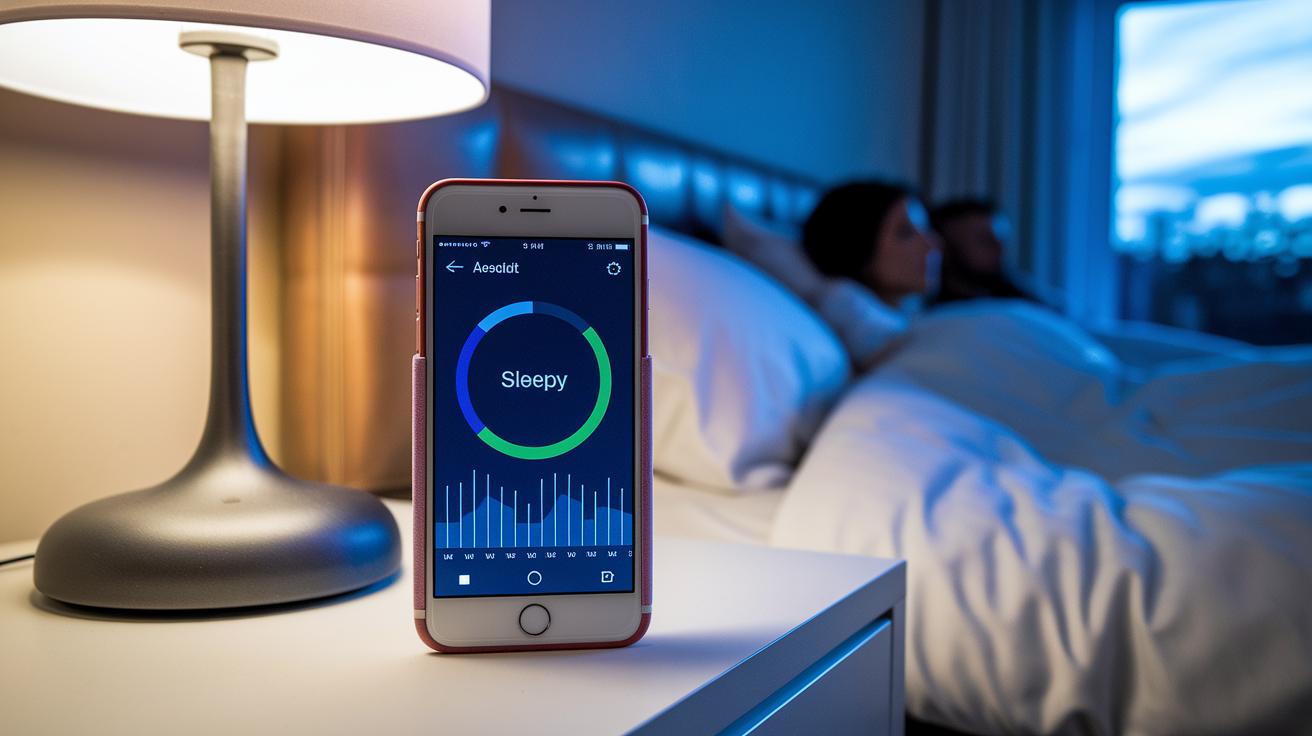
These apps come with smart alarms that learn your sleep cycle and wake you up at just the right moment. For example, one app can tell when you're in a light sleep phase and gently wake you so you feel refreshed instead of groggy.
Another helpful feature is habit logging. Many top sleep apps let you quickly note down your daily activities like exercise, stress, or even a bit of alcohol. A simple 5-minute log about your evening stress can offer tips to adjust your routine for a better night's sleep.
Custom bedtime reminders also play a big part. These alerts help you slow down as bedtime approaches. They work well with options for split sleep planning, which is great if you're trying out non-traditional sleep patterns.
Plus, you can connect these apps with your wearable devices. This integration gives you extra feedback on how steady your sleep cycles are. Together, these features help you keep a regular sleep routine and enjoy a truly restful night.
How Sleep Schedule Apps Track and Analyze Your Rest Cycles
Sleep schedule apps turn your phone’s everyday data into simple insights about your sleep. They often use sensors such as accelerometers to track your movements at night. For example, Sleep as Android uses movement sensing to find the best 10- to 40-minute window to wake you up gently during a light sleep stage.
Sleep Cycle breaks down your rest into light, deep, and REM (rapid eye movement) phases using special algorithms. It then shows you a clear visual report of your sleep through easy-to-read charts and graphs, so you know exactly how well you slept.
Twilight takes another approach by lowering blue light from your screen. This reduction can help keep your melatonin (the hormone that makes you feel sleepy) at healthy levels, creating the right conditions for deeper rest.
Key features include:
- Accelerometer-based tracking for accurate wake windows.
- Algorithms that sort your sleep into different stages.
- Blue-light filtering to support natural melatonin production.
These insights help you adjust your daily routine with practical tips that promote better overall sleep health.
Comparing Top Sleep Schedule Apps: Sleep Cycle, Sleep as Android, Sleep Better, and Twilight
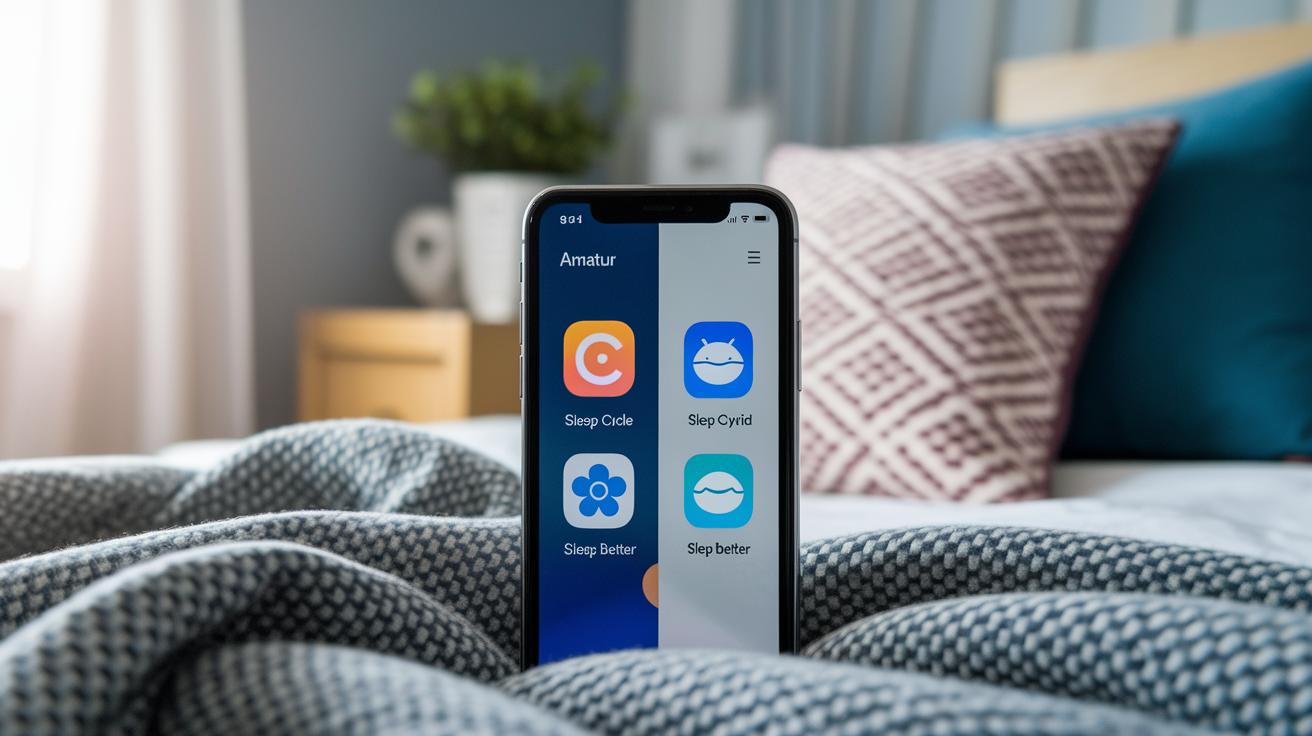
Looking at how each sleep app works can help you choose the one that fits your lifestyle best. Sleep Cycle wakes you up gently by tracking your natural 90-minute sleep cycles. This means you get to rise during a lighter sleep stage so you feel more energized. Sleep as Android tracks your movements with its accelerometer and lets you set a wake-up window of 10 to 40 minutes, tailoring its alarm to your night’s sleep patterns.
Sleep Better takes a slightly different approach by recording daily habits like exercise, stress levels, and alcohol consumption. It then uses this information to adjust your wake-up experience. On the other hand, Twilight keeps your body clock in check by reducing blue light from screens whenever evening comes around. These unique features mean that each app acts like a smart sleep helper in its own way.
Below is a side-by-side comparison of key details:
| App | Key Feature | Pricing | Compatibility |
|---|---|---|---|
| Sleep Cycle | Uses a stage-based alarm during 90-minute cycles | $5–10/mo or $50–80/yr 7–14-day trial |
iOS, Android, smartwatches, tablets, desktops |
| Sleep as Android | Tracks movement with a 10–40 minute flexible alarm | $5–10/mo or $50–80/yr 7–14-day trial |
iOS, Android, smartwatches, tablets, desktops |
| Sleep Better | Logs exercise, stress, and alcohol habits to adjust wake-up | $5–10/mo or $50–80/yr 7–14-day trial |
iOS, Android, smartwatches, tablets, desktops |
| Twilight | Reduces blue light at night to support your circadian rhythm | $5–10/mo or $50–80/yr 7–14-day trial |
iOS, Android, smartwatches, tablets, desktops |
Each of these apps brings something a little different to the table. One might be perfect if you like clear sleep cycle data, while another stands out by letting you log daily habits. This easy comparison can help you pick the sleep app that best matches your sleep goals and daily routine.
Sleep Schedule Apps for New Parents: Newborn and Infant Sleep Planning
Sleep apps can be a real lifesaver when you're caring for a newborn. They work like a personal sleep planner for your baby by setting up easy-to-follow nap times and bedtime routines. Some even come with bedtime stories or soft lullabies to help your little one settle down for a peaceful sleep. Plus, a built-in sleep tracker lets you see your baby's sleep patterns so you can tweak the schedule as needed.
Many apps let you quickly log sleep details, note feeding times, and keep an eye on your baby’s overall sleep quality. This simple dashboard connects everyday activities with sleep trends, helping you figure out what might improve your baby's rest. Some even send gentle reminders when it's time for naps or bedtime.
Most of these tools work on iOS and Android devices and can link up with baby monitors for live updates on your infant’s sleep. Ready to try a new sleep schedule? Check out expert tips at https://bezenn.com?p=595 and get started today.
Choosing the Right Sleep Schedule App for Your Needs

When you search for a sleep schedule app, keep a few things in mind: price, ease of use, and whether it works on your device. Some apps are free, while others ask for a monthly or yearly fee. A good sleep planner makes its pricing clear so you know what you’re paying for.
Age matters too. If you have young kids or different family members with unique needs, pick an app that works well across all ages. Look for an app with simple instructions and tools that everyone in your home can use.
It’s also important that the app works on your device. Whether you have an iPhone, an Android phone, or even a smartwatch, the app should work smoothly. Reading reviews can show how well the app performs on different devices.
User ratings are key. They tell you if many people have tried the app and liked it. Plus, if a sleep coach or expert recommends it, that’s a plus. Try a free trial first to see if it fits your lifestyle before signing up. This way, you can pick an app that really helps you get a good night’s sleep.
Tips for Maximizing Your Sleep Schedule App and Improving Sleep Habits
Try to go to bed and wake up at the same time each day. This steady routine tells your body it’s time for sleep. For example, if you hit the sack at 10:00 p.m. nightly, your sleep tracker app will notice your regular schedule and show your progress over time.
About 30 minutes before bed, start a calming wind-down routine. Turn off bright screens and use the app’s features for dim lights or soothing sounds. You might try playing soft music and reading a book before sleep. This simple routine signals your brain that it’s time to relax.
Take advantage of the app’s bedtime guide. It offers expert tips based on your sleep patterns and reminds you when to start winding down. The guide can also nudge you to skip caffeine later in the day or finish exercise a few hours before bed.
Use the app to log daily details like caffeine intake, physical activity, and stress. Tracking these factors helps you see trends and spot small changes that can really improve your sleep.
Remember, your sleep app is also a helpful routine manager with friendly notifications and clear displays. Checking your weekly logs shows what’s working and where you might adjust your habits. Try these tips tonight and notice how a few small changes can lead to a more peaceful rest.
Final Words
In the action, you have reviewed top sleep schedule apps and seen how they streamline bedtime routines. We explored tools that track sleep stages, smart alarms, and personal insights for better rest. You learned about features for new parents, adaptive scheduling, and tips for building lasting habits.
This guide shows how using a sleep schedule app can simplify your nightly routine. Try one today and see how small changes in your sleep habits can lead to a more energized tomorrow. Keep testing what works best for you.
FAQ
Sleep schedule app free
The sleep schedule app free means you can access basic sleep tracking features without payment. These apps let you monitor sleep patterns and set routine reminders, with optional upgrades for advanced insights.
Sleep schedule app for iPhone
The sleep schedule app for iPhone is designed for iOS devices via the App Store. It assists you in tracking sleep stages and establishing routines, often offering free trials and in-app purchases.
Sleep schedule app for Android
The sleep schedule app for Android refers to apps available on the Google Play store that track your sleep patterns, offer smart alarms, and help set up a consistent bedtime routine at no cost or with optional subscriptions.
Sleep Cycle app free
The Sleep Cycle app free means you can use its core sleep tracking and smart alarm features without cost. It monitors sleep phases and wakes you during light sleep, though premium options might be available.
Best sleep schedule app
The best sleep schedule app combines smart alarms, sleep stage tracking, habit logging, and personalized tips. It helps tailor your sleep routine and improve sleep quality based on your personal sleep data.
Sleep Cycle app review
The Sleep Cycle app review highlights its accurate sleep tracking, gentle wake-up calls, and clear data reports. Users appreciate its simple interface and effective smart alarms for improving sleep cycles.
Sleep Cycle app Store
The Sleep Cycle app Store means that Sleep Cycle is available for download on major platforms like Apple’s App Store and Google Play, making it accessible for a wide range of devices.
Sleep Cycle Android
The Sleep Cycle Android refers to the version of Sleep Cycle built for Android devices. It offers smart alarms, sleep cycle tracking, and an interface designed specifically for Android users.
Is there a sleep app that’s free?
The query about a free sleep app indicates that several sleep tracking options come at no cost. Basic versions of popular apps provide essential features like sleep monitoring and routine management without fees.
Is 10pm to 7am enough sleep?
The question on 10pm to 7am sleep addresses that a 9-hour window is generally enough for most adults, though individual sleep needs may vary based on health, activity level, and personal routine.
What is the Matthew McConaughey sleep app?
The Matthew McConaughey sleep app refers to a sleep tracking app linked to the actor’s name. It is promoted as a unique option with special features, though detailed functionality may require further exploration.
What is the truly free sleep app?
The truly free sleep app implies an option that offers full sleep tracking and routine features without hidden fees. Many apps provide essential services for free, letting you monitor sleep before deciding on any upgrades.